Zalith Launcher 2 Joystick: How It Works and Why It Matters
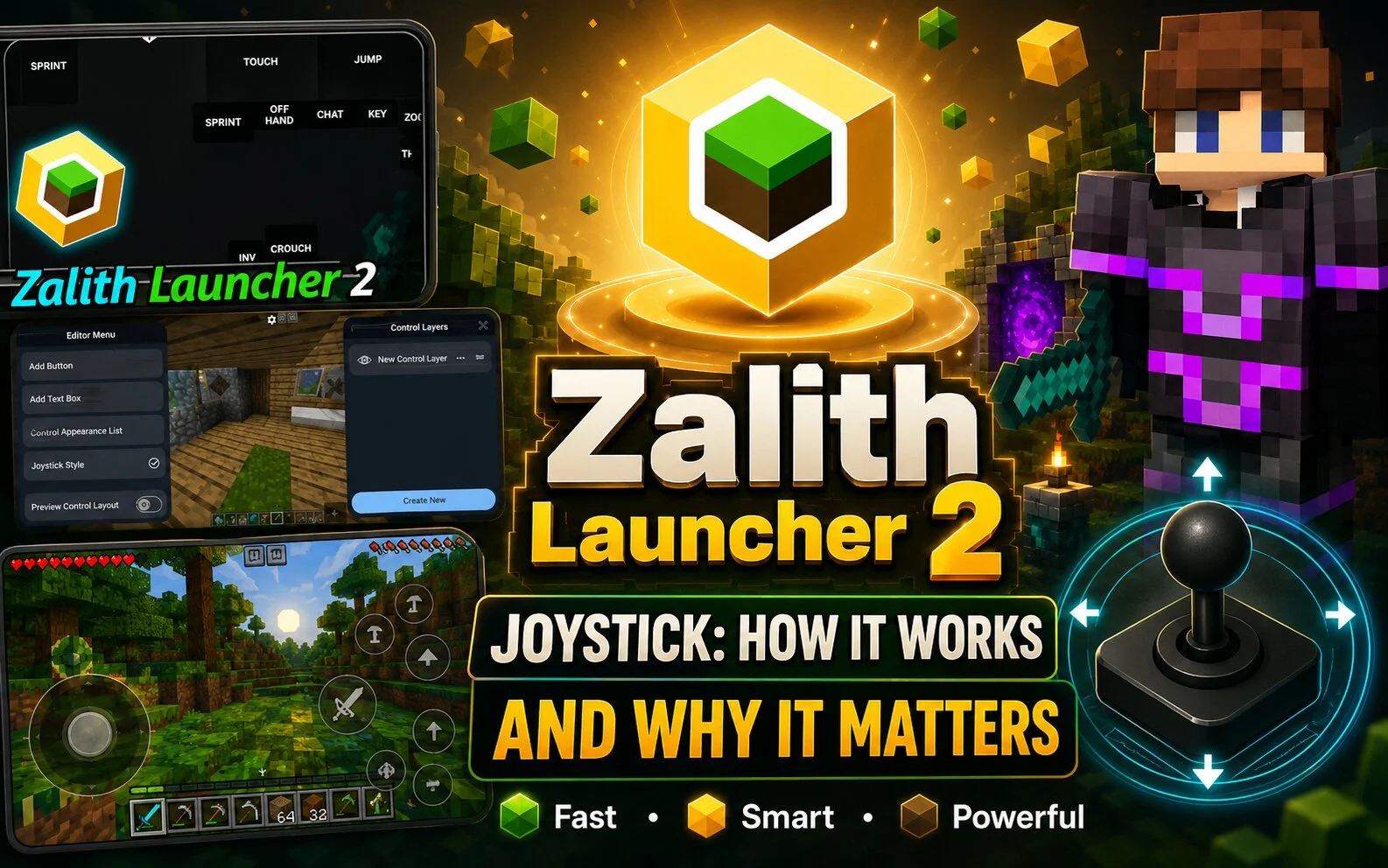
Zalith Launcher 2 Joystick

Many Minecraft Java Edition players use Zalith Launcher 2 on Android devices because it provides flexible touch controls. One of the most useful features is the customizable joystick system, which makes movement easier on mobile screens. What Is the Joystick in Zalith Launcher 2? The joystick is the on-screen movement control that allows players to … Read more
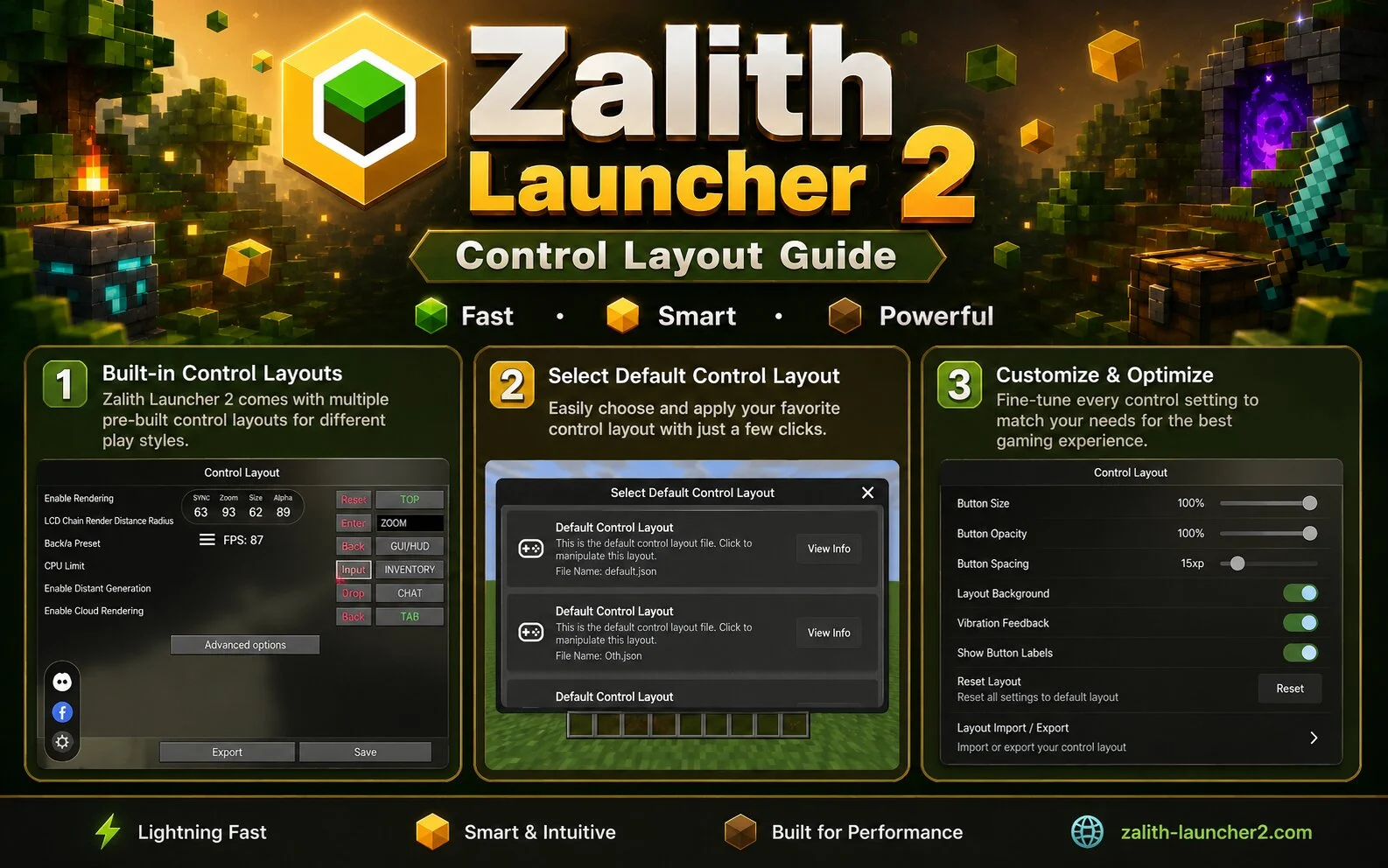
Zalith Launcher 2 Control Layout Guide

Zalith Launcher 2 Control Layout

A good control layout can significantly improve your Minecraft experience. Zalith Launcher 2 allows players to customize button positions and create a layout that matches their play style. What Is a Control Layout? A control layout refers to the arrangement of movement buttons, action buttons, inventory controls, and other touch elements displayed on the screen. … Read more

Zalith Launcher 2 Crash Issues: Causes and Solutions

Zalith Launcher 2 Crash Issues

Sometimes players experience crashes while using Zalith Launcher 2. Fortunately, most issues can be fixed with a few simple troubleshooting steps. Why Does Zalith Launcher 2 Crash? Crashes can happen for several reasons, including: Common Signs of a Crash How to Fix Zalith Launcher 2 Crashes Preventing Future Crashes Conclusion Most Zalith Launcher 2 crash … Read more

Zalith Launcher 2 Best Control Settings for Smooth Minecraft Gameplay

Zalith Launcher 2 Best Control Settings

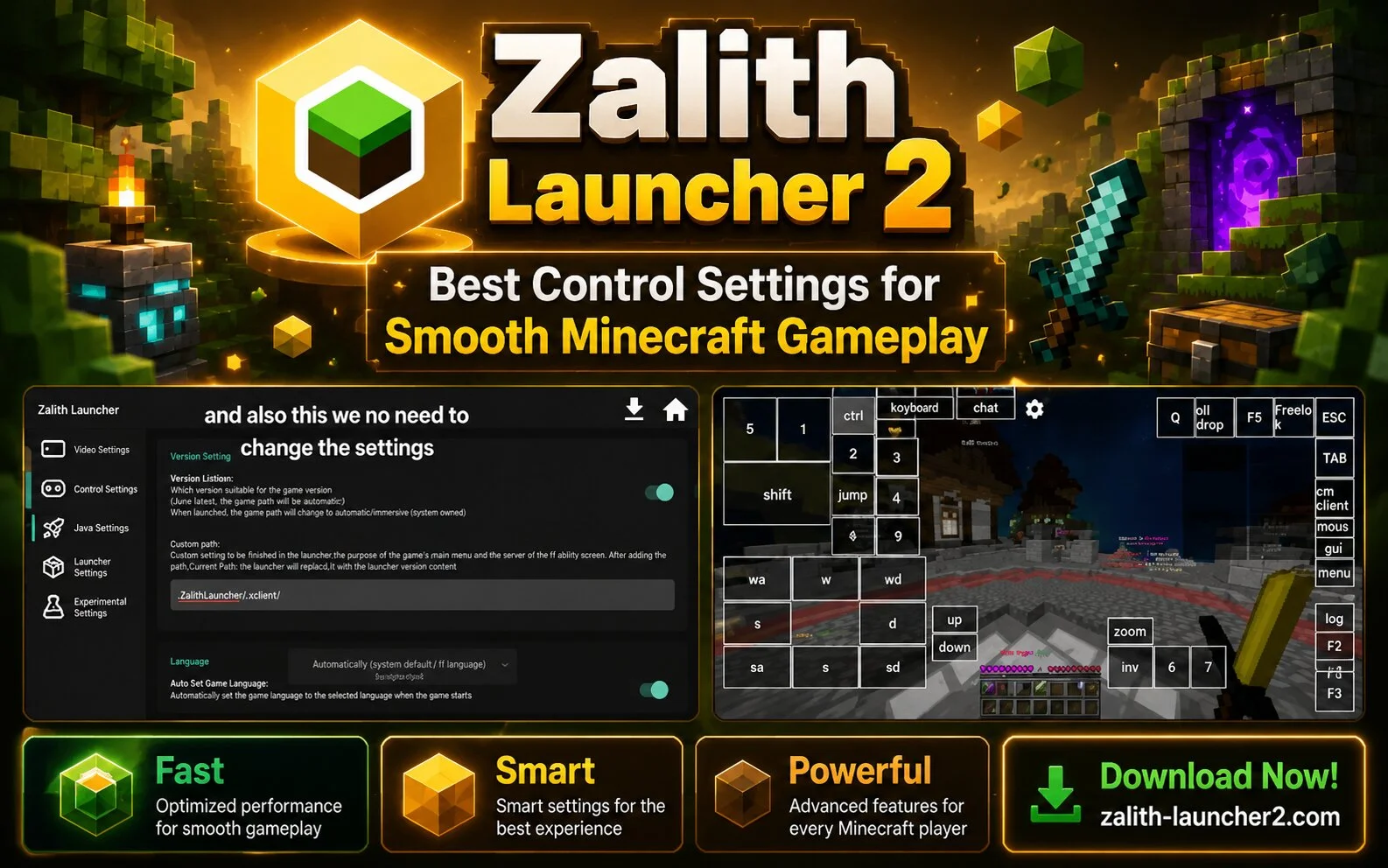
Finding the best control settings in Zalith Launcher 2 can significantly improve your Minecraft experience. Since Minecraft Java Edition was originally designed for keyboard and mouse controls, customizing touch controls on Android is important for comfortable gameplay. Why Control Settings Matter A well-designed control layout helps players move faster, react more quickly, and avoid accidental … Read more

Zalith Launcher 2 Renderer Guide: What It Is and Which One to Use

Zalith Launcher 2 Renderer Guide

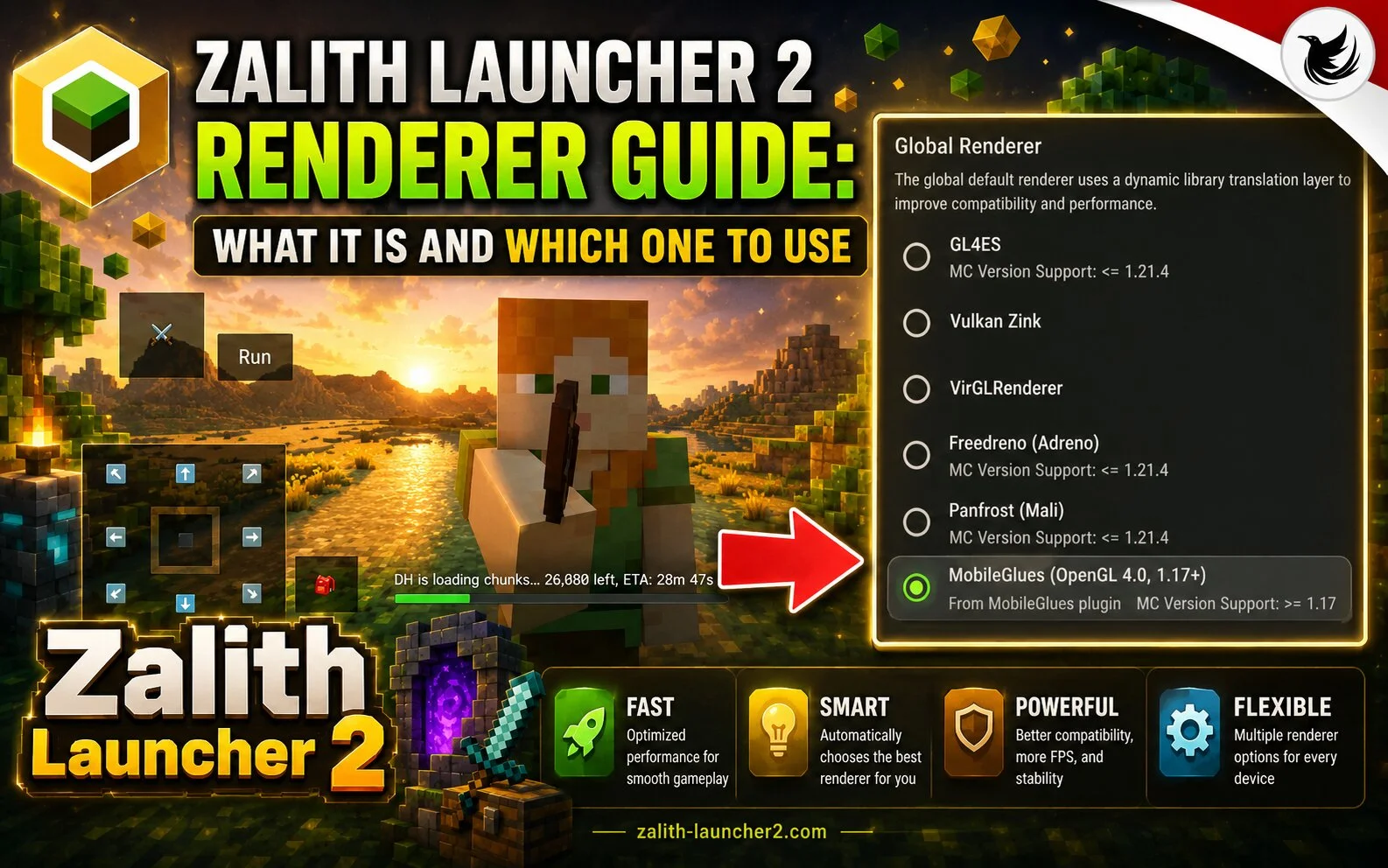
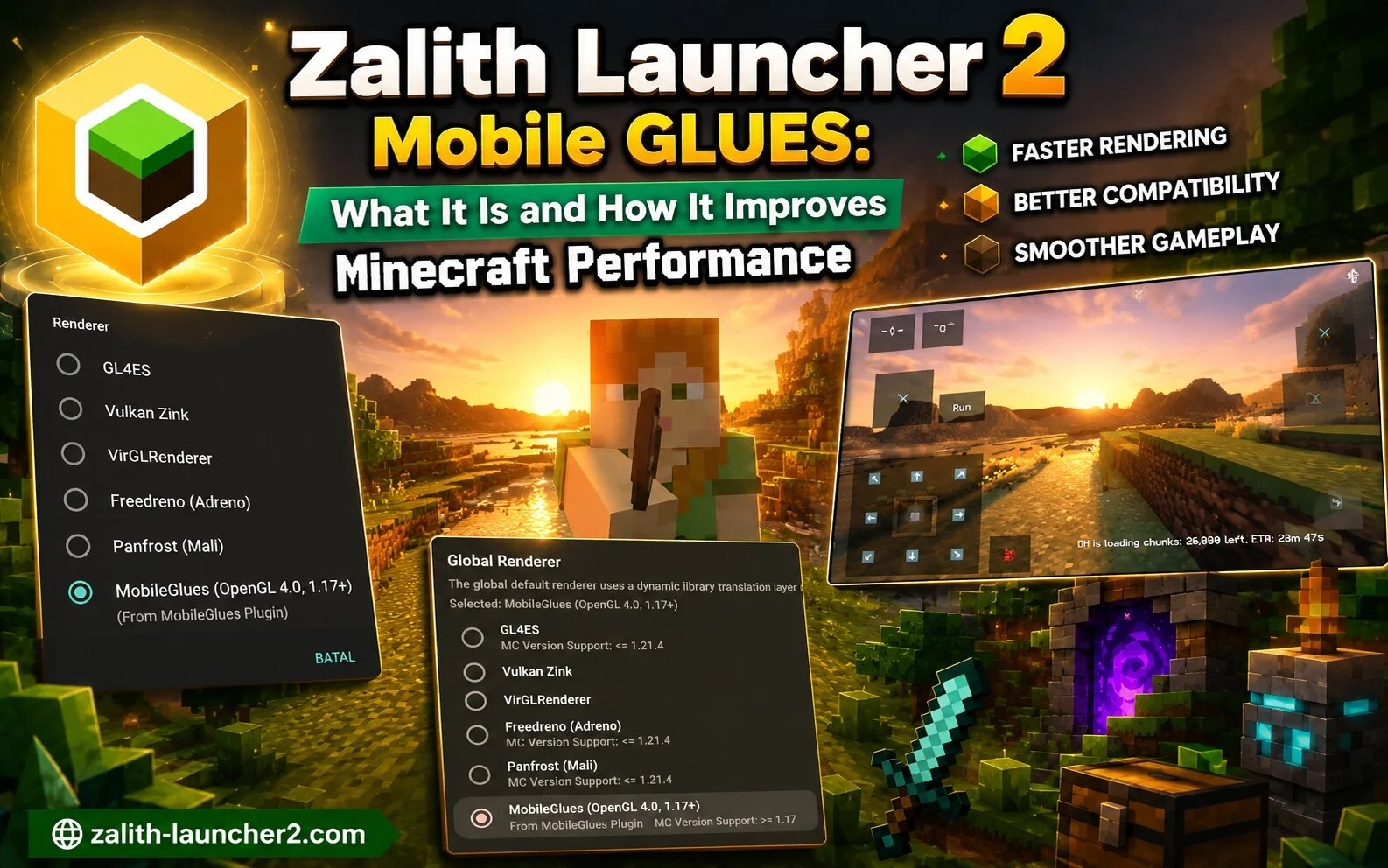
If you use Zalith Launcher 2, you may have noticed different renderer options in the settings. Choosing the right renderer can improve performance, reduce lag, and make Minecraft run more smoothly on your Android device. What Is a Renderer? A renderer is the technology responsible for displaying Minecraft graphics on your device. Different renderers work … Read more

How To Play Zalith Launcher 2 With Offline Account

Play Zalith Launcher 2 With Offline Account

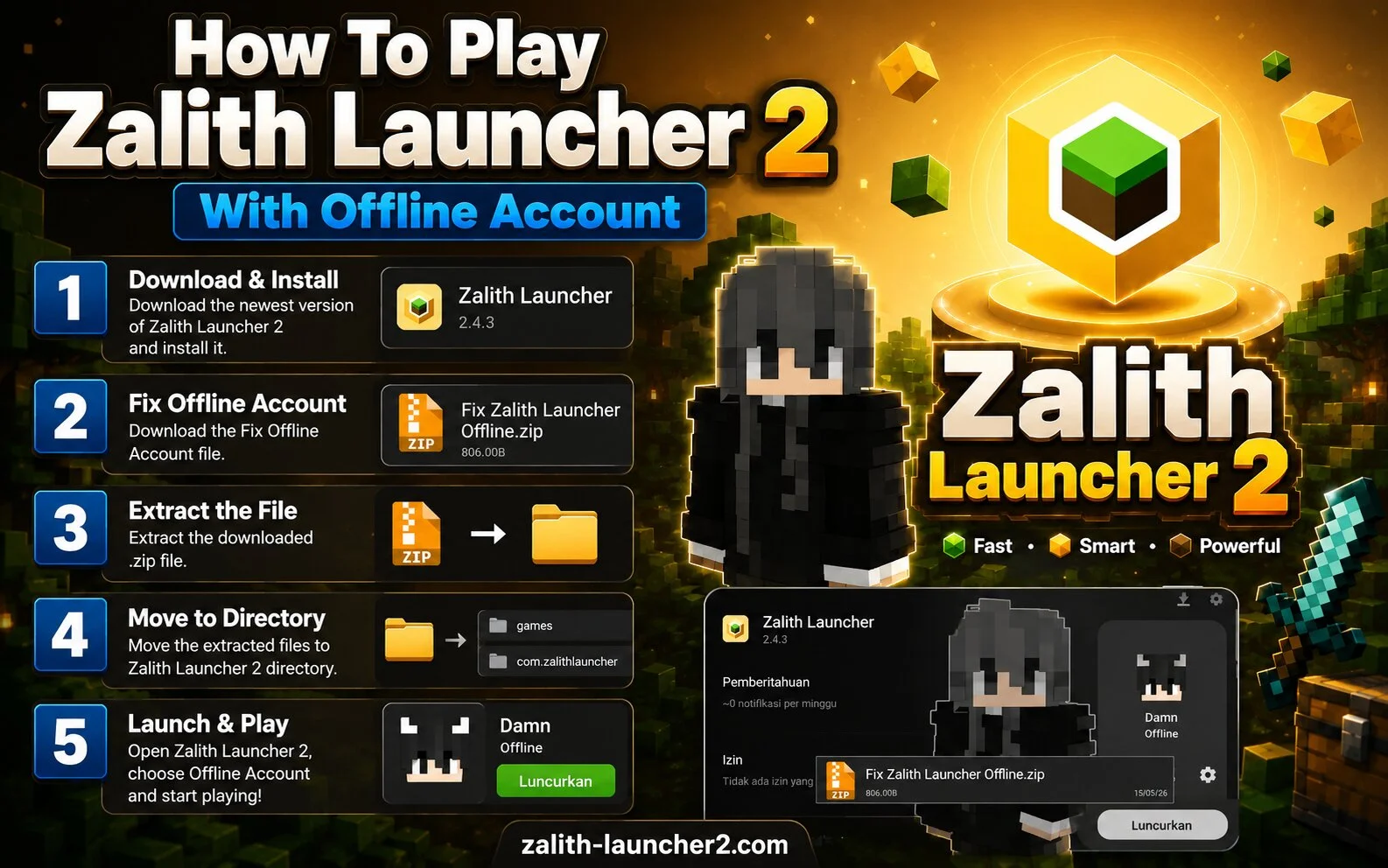
Many Minecraft players want to try Zalith Launcher 2 without signing into a Microsoft account. The launcher provides an offline account option that allows users to access Minecraft using a custom username. What Is an Offline Account? An offline account lets you create a local Minecraft profile without online authentication. This option is commonly used … Read more

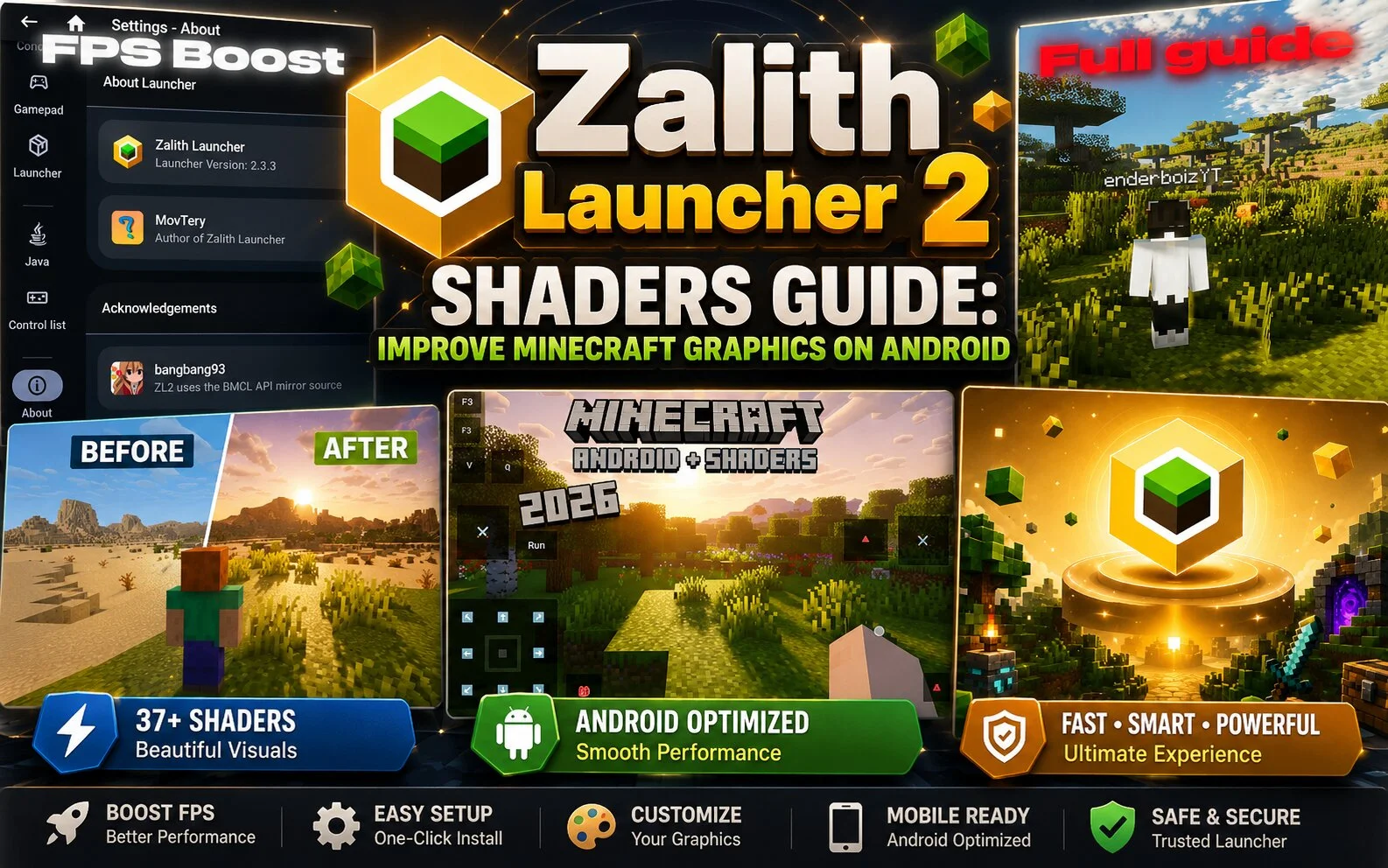
Zalith Launcher 2 Shaders Guide: Improve Minecraft Graphics on Android

Zalith Launcher 2 Shaders

Shaders are one of the most popular ways to improve the visual appearance of Minecraft. Many Zalith Launcher 2 users install shaders to make their worlds look more realistic, colorful, and immersive. What Are Shaders? Shaders are graphic enhancement packages that modify lighting, shadows, reflections, water effects, and other visual elements in Minecraft. They can … Read more

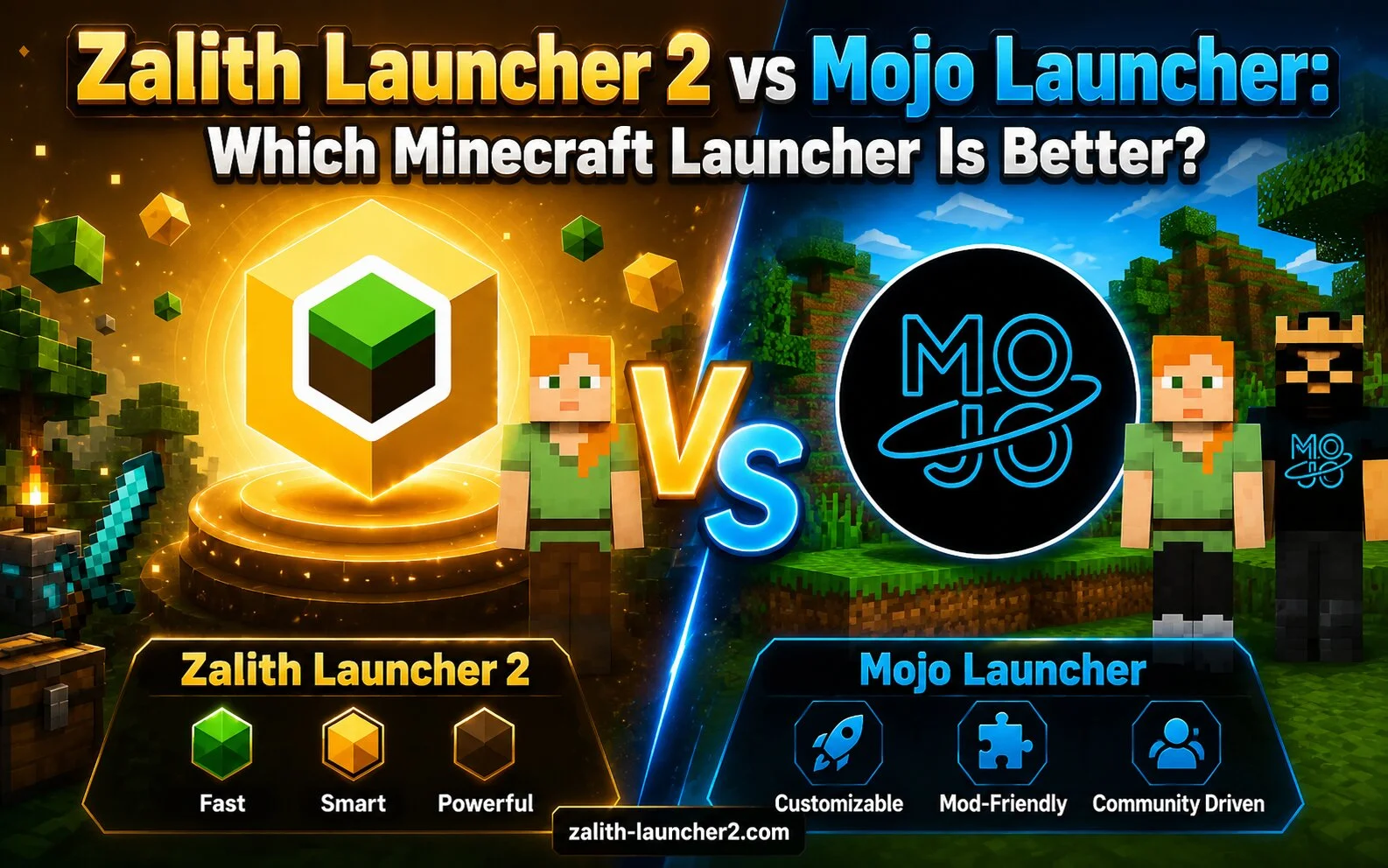
Zalith Launcher 2 vs Mojo Launcher: Which Minecraft Launcher Is Better?

Zalith Launcher 2 vs Mojo Launcher

Minecraft Java Edition players on Android often compare Zalith Launcher 2 and Mojo Launcher when looking for the best launcher experience. Both launchers aim to bring Minecraft Java Edition to mobile devices, but they offer different strengths and features. Overview Both launchers provide tools for launching Minecraft Java Edition on Android devices, managing game versions, … Read more