
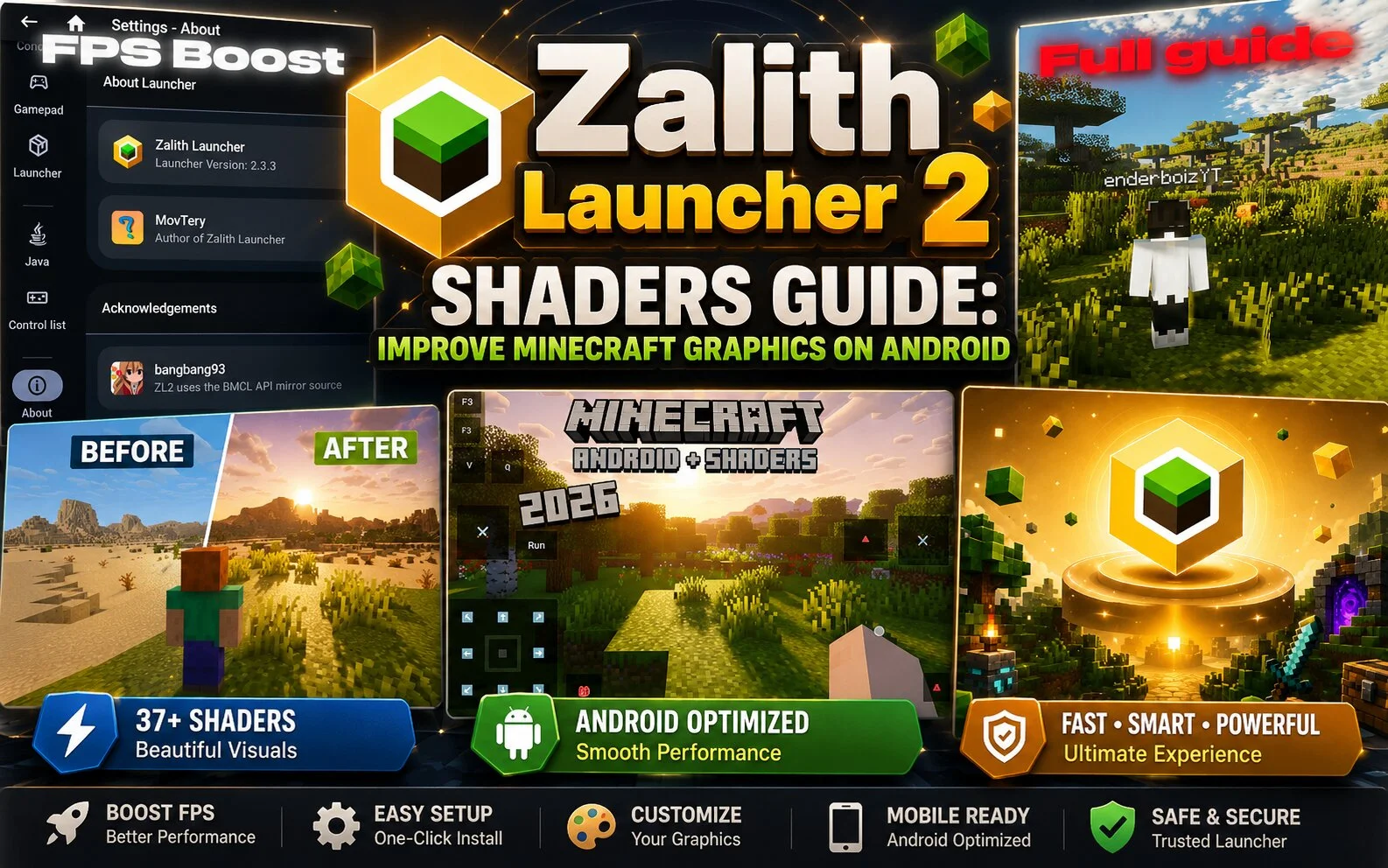
Shaders are one of the most popular ways to improve the visual appearance of Minecraft. Many Zalith Launcher 2 users install shaders to make their worlds look more realistic, colorful, and immersive.
What Are Shaders?
Shaders are graphic enhancement packages that modify lighting, shadows, reflections, water effects, and other visual elements in Minecraft.
They can transform the appearance of the game without changing the core gameplay experience.
Benefits of Using Shaders
- Better Lighting
- Shaders create more realistic sunlight, moonlight, and indoor lighting effects.
- Improved Water Effects
- Water can appear clearer, more reflective, and more dynamic.
- Enhanced Shadows
- Objects and terrain can display realistic shadows that improve visual depth.
- Beautiful Atmosphere
- Many shaders add better skies, clouds, sunsets, and environmental effects.
Can Zalith Launcher 2 Use Shaders?
Yes, depending on your Minecraft version and device capabilities, shaders may be supported through compatible rendering and mod configurations.
Recommended Devices
Shaders work best on:
- Mid-range Android devices
- High-end smartphones
- Devices with powerful GPUs
- Phones with sufficient RAM
Possible Performance Impact
While shaders look impressive, they can also reduce performance.
Some users may experience:
- Lower FPS
- Increased battery usage
- Higher device temperatures
- Longer loading times
Tips for Using Shaders
- Start with lightweight shader packs.
- Lower graphics settings if performance drops.
- Close background applications.
- Monitor device temperature during long gaming sessions.
Conclusion
Shaders can dramatically improve the appearance of Minecraft when using Zalith Launcher 2. Players who want more realistic graphics and immersive environments should consider testing shader packs that match their device capabilities.