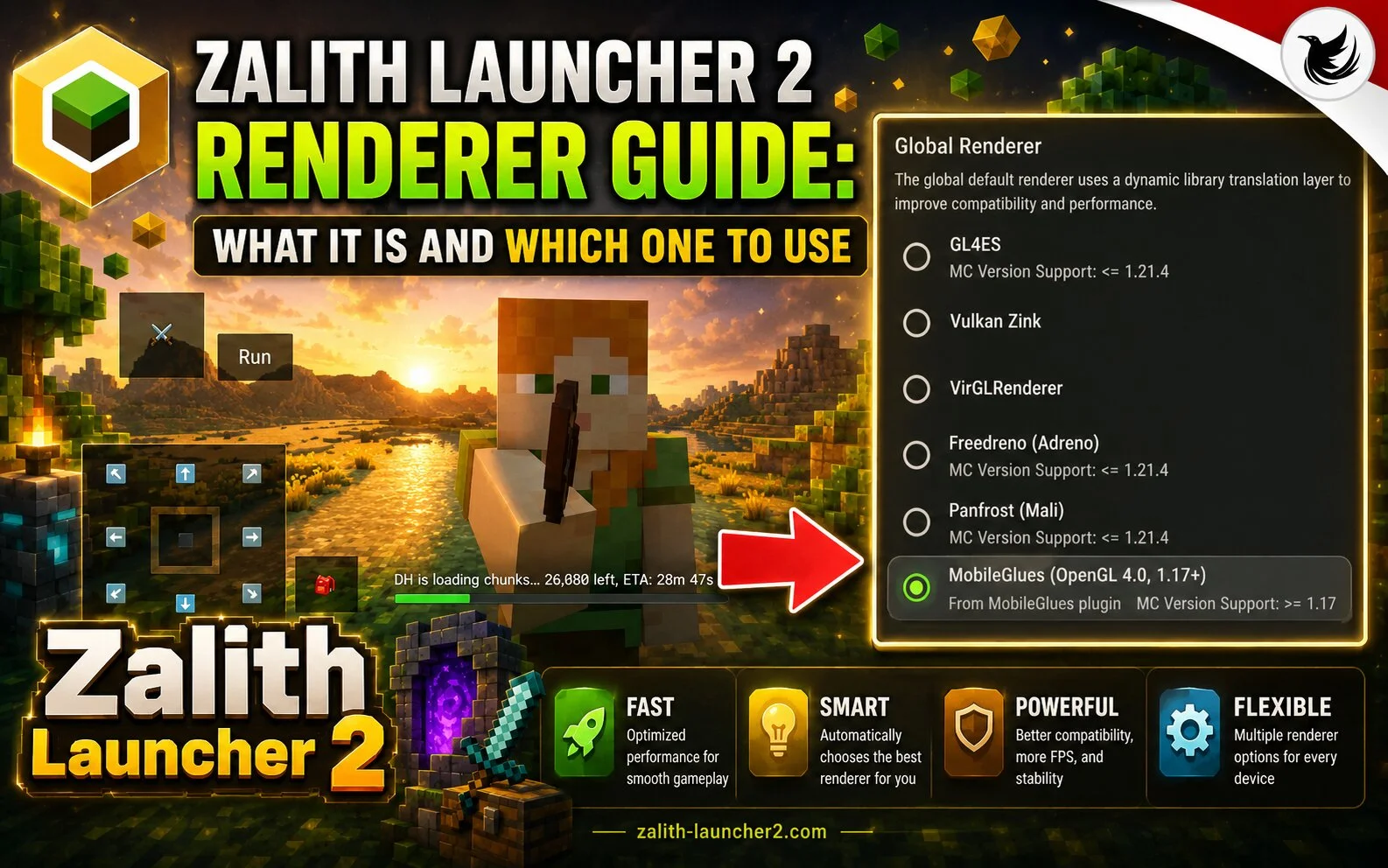
If you use Zalith Launcher 2, you may have noticed different renderer options in the settings. Choosing the right renderer can improve performance, reduce lag, and make Minecraft run more smoothly on your Android device.
What Is a Renderer?
A renderer is the technology responsible for displaying Minecraft graphics on your device. Different renderers work better on different hardware and Android versions.
Why Is the Renderer Important?
The renderer affects:
- Game performance
- FPS (frames per second)
- Stability
- Graphics quality
- Battery usage
Choosing the wrong renderer may cause crashes, lag, or graphical glitches.
Common Renderer Options
OpenGL
OpenGL is the most widely supported renderer and works well on many Android devices.
Benefits:
- Good compatibility
- Stable performance
- Suitable for most users
Vulkan
Vulkan is a modern graphics API that can improve performance on supported devices.
Benefits:
- Higher FPS on compatible hardware
- Better resource management
- Improved efficiency
Compatibility Renderer
Some devices may offer compatibility-focused rendering modes.
Benefits:
- Better support for older devices
- Reduced graphical issues
- Improved stability
Which Renderer Is Best?
The best renderer depends on your device.
Low-End Devices
- Try OpenGL first.
- Use lower graphics settings.
Mid-Range Devices
- Test both OpenGL and Vulkan.
- Choose the smoother option.
High-End Devices
- Vulkan often provides the best performance.
- Higher graphics settings may be possible.
Troubleshooting Renderer Issues
If Minecraft crashes after changing the renderer:
- Switch back to the previous renderer.
- Restart the launcher.
- Lower graphics settings.
- Update Zalith Launcher 2.
- Clear temporary cache files.
Conclusion
Renderers play an important role in Minecraft performance. Testing different renderer options in Zalith Launcher 2 can help you find the best balance between graphics quality, stability, and smooth gameplay.