
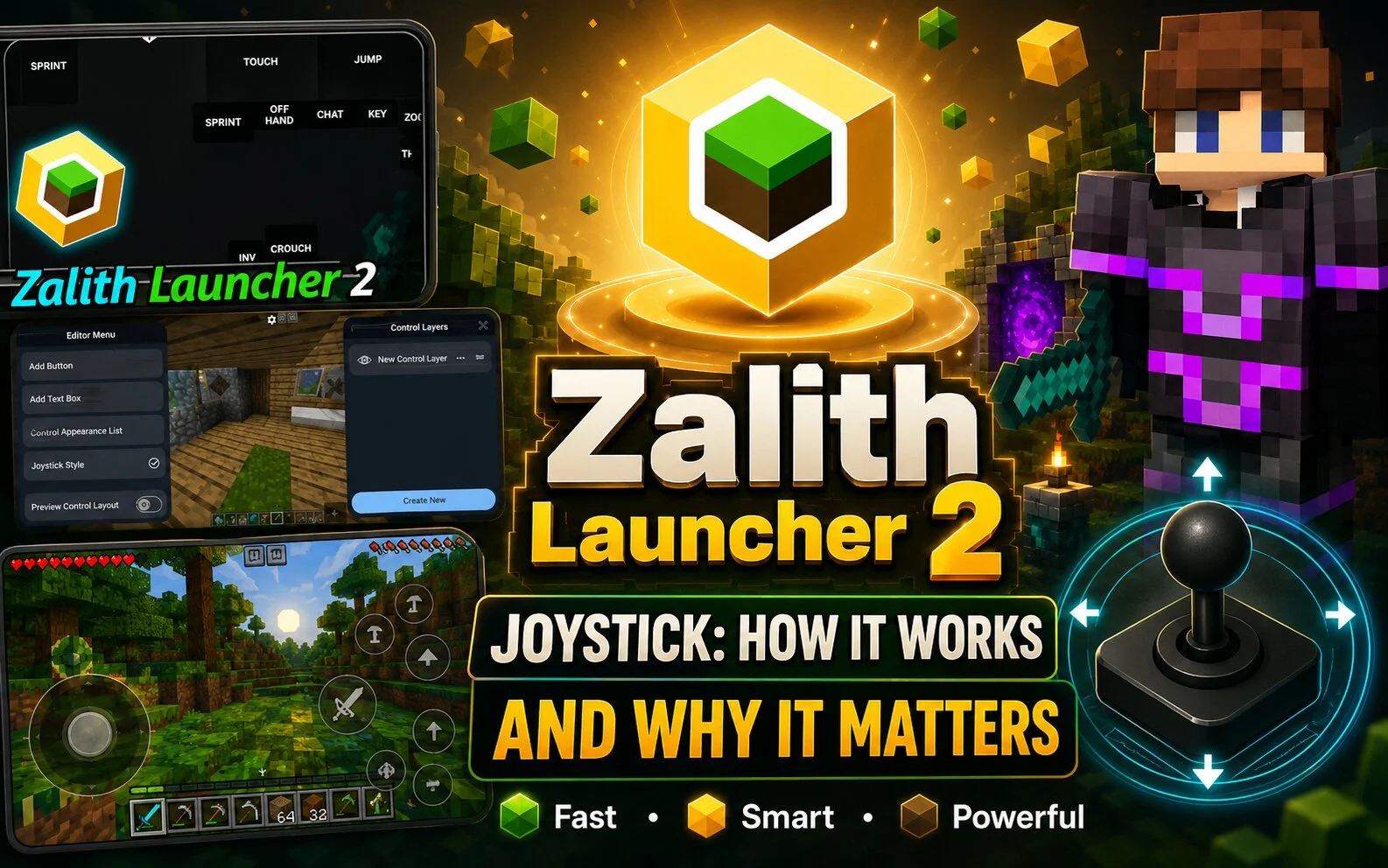
Many Minecraft Java Edition players use Zalith Launcher 2 on Android devices because it provides flexible touch controls. One of the most useful features is the customizable joystick system, which makes movement easier on mobile screens.
What Is the Joystick in Zalith Launcher 2?
The joystick is the on-screen movement control that allows players to walk, run, and navigate through Minecraft worlds. Instead of using a physical keyboard, players can move their character using touch controls.
Benefits of Using the Joystick
- Easier character movement
- Better control during combat
- More comfortable gameplay
- Suitable for survival and creative modes
- Helpful for new mobile players
How to Adjust the Joystick
- Open Zalith Launcher 2.
- Launch Minecraft.
- Open the control settings.
- Find the joystick customization options.
- Adjust the size and position.
- Save your settings.
Tips for Better Joystick Performance
- Use a larger joystick on small screens.
- Keep it near your thumb position.
- Avoid placing buttons over the joystick area.
- Test different layouts until you find the most comfortable setup.
Common Joystick Issues
Some players may experience delayed response or inaccurate movement. This is usually caused by incorrect control settings, device performance limitations, or screen sensitivity problems.
Conclusion
The joystick feature in Zalith Launcher 2 helps make Minecraft Java Edition more enjoyable on Android devices. By customizing its size and position, players can create a smoother and more comfortable gaming experience.